
Leave Hours Tracking: Stay in Control in August
August is one of the most popular holiday months by far. Workers in the Netherlands take significantly more leave in August than in other months. For SME owners and team leaders, that means almost everyone is away at once. Structured leave tracking prevents surprises and keeps your planning intact.
Why August Tests Your Leave Registration
The pattern is familiar: August is a low point for productivity, while the autumn months tend to be busy. The reason is straightforward. Parents align holidays with the school summer break, and younger workers also reduce their hours in August.
For a small team of, say, eight employees, this can mean three or four people missing simultaneously. If you only update leave records after someone returns, you're always playing catch-up. You don't know who's available when, project planning falls apart, and you lack evidence if disputes arise.
Imagine running a marketing agency with five staff. In July, everyone requests August leave almost simultaneously. Without a central overview, approvals happen via email, everything ends up in a spreadsheet nobody maintains, and on 1 August you're on your own, while three client projects need to keep moving.
Four Steps to Track Leave Hours Effectively
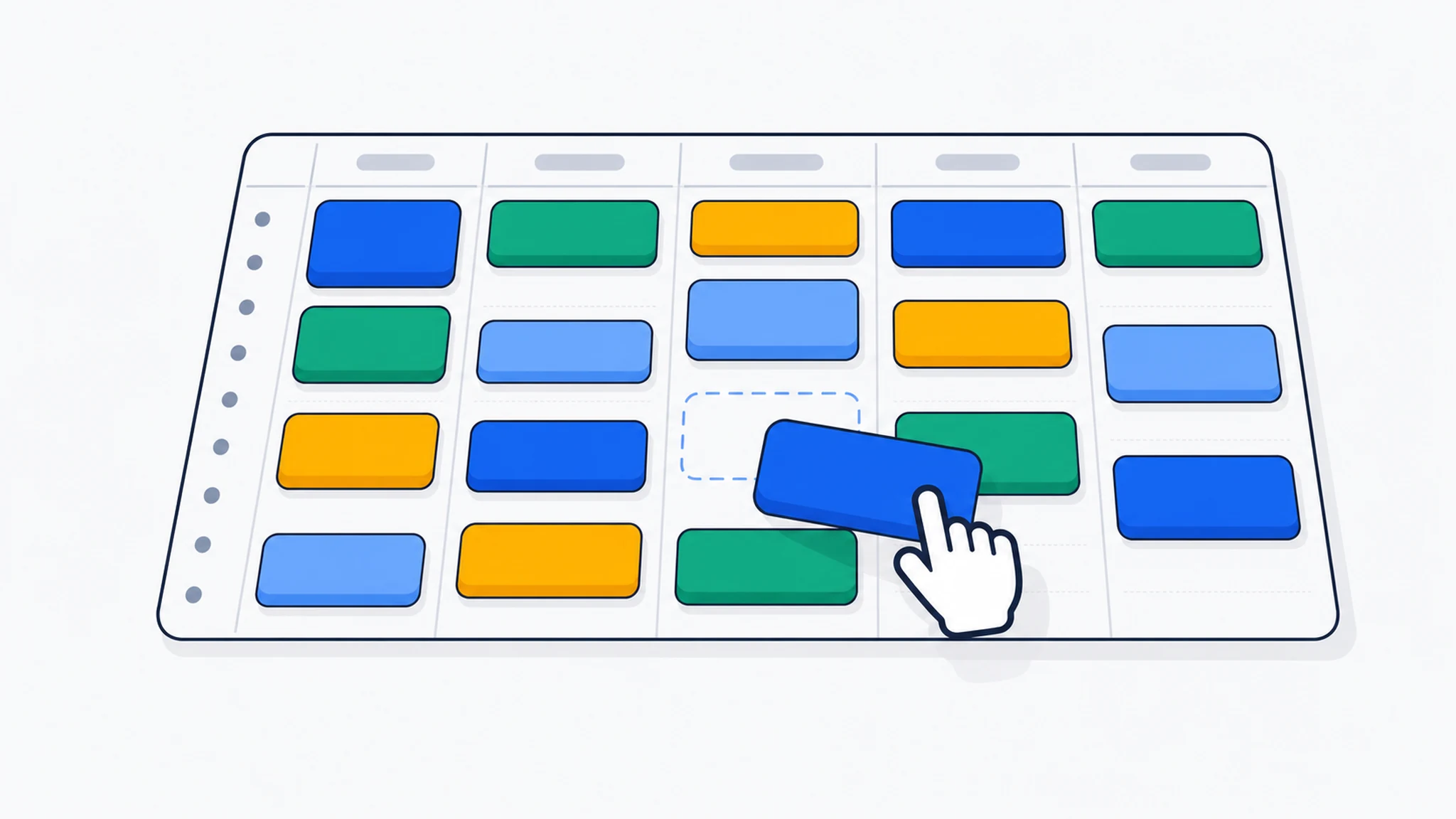
Solid leave registration comes down to four steps you can follow year-round, but which pay off most in August.
| Step | What you do | When |
|---|---|---|
| 1. Set balances | Calculate statutory and contractual leave days per employee | Start of year or on hire |
| 2. Centralise requests | One place for all leave requests, no loose emails or messages | Ongoing |
| 3. Approve & block | Confirm requests and set minimum staffing limits per team | Before leave begins |
| 4. Update balances | Record taken hours immediately; check expiry dates | After each period of leave |
At step 4, it's worth keeping an eye on expiry rules for statutory leave days. See Holiday Leave 2026: Expiry on 1 July Explained to make sure employees don't quietly lose their entitlement.
How Digital Leave Tracking Saves Time
A spreadsheet works, until two people request the same week, someone forgets to log a half-day, or you need to reconstruct who was present during an audit. At that point, you're spending hours piecing things together.
A digital solution centralises requests, approvals and balances in one place. Employees can see their remaining entitlement at any time; you get an instant view of weekly staffing levels. That cuts email back-and-forth and avoids disputes later.
PrikKlokPlus combines leave registration with time tracking and project planning. You can see not only who is off, but also which project hours are covered and where you need to shift capacity temporarily. Get started today and stop August from derailing your schedule.
For teams that also handle expense claims, tracking leave and worked hours in the same system prevents a common mistake: an employee recording leave hours as worked hours in August. Read Time tracking for your team: how to do it efficiently for practical tips.
Three Common Leave-Tracking Mistakes in Summer
1. Planning too late. Leave requests arrive in June but aren't processed until July, too late to adjust staffing or bring in temporary cover.
2. No minimum staffing rule. Without a firm agreement on how many people must always be available, it's hard to refuse requests even when coverage becomes dangerously thin.
3. Balances not linked to your time-tracking system. When leave hours sit separately from your time records, balances quickly drift out of sync. Someone works a half-day from abroad, but whether that's leave or remote working, nobody can remember.
Freelancers face a different challenge: there's no employer to approve leave, but client deadlines keep coming. Clear records of non-billable time help you justify your rate and plan ahead. See Time tracking as a freelancer: 5 tips for accurate invoicing for a practical step-by-step guide.
Wrapping Up
August puts the most pressure on your leave administration. With significantly more leave taken than in December, a weak system hits hardest precisely now. Four steps are all you need: set balances, centralise requests, approve with a staffing floor, and update records immediately. A digital tool that links leave to time tracking and project planning makes the whole process significantly easier.
Curious how PrikKlokPlus integrates leave registration with the rest of your administration? Explore all PrikKlokPlus features and see what's included.
Frequently Asked Questions
How do I log leave hours when an employee works half a day and takes half a day off? Book the worked hours against the relevant project or internal code as normal, and record the other half as leave in your leave module. That way both your time records and leave balance are accurate at month end.
Are employers required to track leave hours? There is no statutory provision prescribing exactly how you must administer leave, but according to the Dutch government, you do need to be able to demonstrate how many holiday days an employee has taken, partly because of the expiry rules for statutory leave. Check rijksoverheid.nl for the current rules.
Can I centrally track leave for freelancers I've hired in? Strictly speaking, you have no leave obligation towards self-employed contractors. That said, tracking their availability in your planning system is practical, so you're not caught off guard by project deadlines in August.
What if an employee wants to take more leave in August than their balance allows? Set a clear policy in advance: no leave beyond the balance unless there is a written agreement to go into negative leave. Record this in the employment contract or staff handbook and reflect it in your leave system to avoid ambiguity at year end.
Leave tracking that always shows who's available and when
PrikKlokPlus brings leave, hours and project planning together in one overview, even in August.