
Set Up Digital Post from the Dutch Tax Authority
Missing a letter from the Dutch Tax Authority (Belastingdienst) carries real risk. Assessments, surcharges, and refunds can easily get lost in a pile of paper or an unmonitored inbox. Setting up digital post takes no more than ten minutes and ensures nothing slips through the net. This page explains which portal handles which type of message, how to enable notifications, and what to do if you prefer paper.
Not legal advice. Consult a tax adviser for your specific situation.
Two channels, two types of post
The Dutch Tax Authority distinguishes between business correspondence and personal correspondence, and that distinction determines which portal holds your messages.
Business post (covering VAT, payroll tax and corporation tax) appears exclusively in Mijn Belastingdienst Zakelijk (My Tax Authority Business). Think surcharge assessments, filing notices and refunds addressed to your company.
Personal post (correspondence to you as a private individual, such as your income tax assessment) goes to the Berichtenbox on MijnOverheid (MyGovernment). This portal is entirely separate from the business environment.
Example: you are a self-employed IT consultant. Your VAT refund appears in Mijn Belastingdienst Zakelijk; your income tax assessment is in MijnOverheid. Check only one portal and you will inevitably miss something.
| Type of correspondence | Portal | Example |
|---|---|---|
| VAT, payroll tax, corporation tax | Mijn Belastingdienst Zakelijk | Surcharge, filing notice |
| Income tax (personal) | MijnOverheid Berichtenbox | Income tax assessment, provisional refund |
Activating digital post in Mijn Belastingdienst Zakelijk
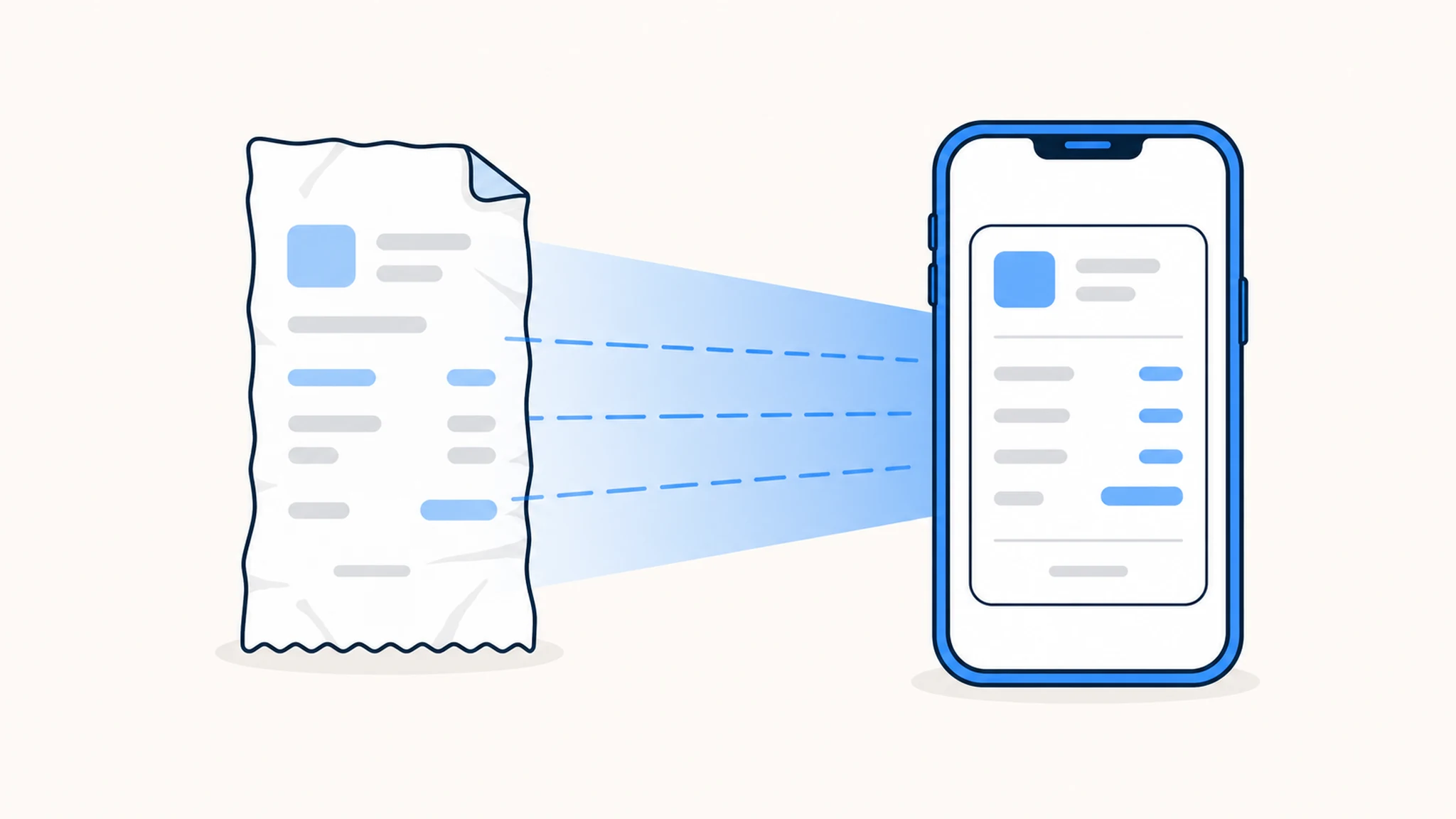
Manage your business digital post settings via Mijn Belastingdienst Zakelijk:
- Log in with eHerkenning (or DigiD if you are a sole trader).
- Go to the digital post settings.
- Tick 'Yes, I would like to receive as many letters as possible digitally'.
- Enter an email address for notifications. This is where you receive an alert when new post is available.
Once activated, you will no longer receive paper letters for the categories already available digitally. The Tax Authority publishes an up-to-date overview of which message types are sent digitally.
For personal post, set your notification preferences separately in MijnOverheid under 'Settings'. Push notifications are available via the Berichtenbox app, but you can only change preferences through the web environment, not through the app itself.
Already managing your finances digitally? See also how to protect your cash flow and debtor management as a freelancer or SME, so incoming payments are tracked as carefully as outgoing tax notices.
Can you switch back to paper?
Unless you actively choose digital post, paper remains active. There is no automatic switch. Changed your mind after activating digital? Simply update the setting in the relevant portal.
Think about what suits your working style. If you log in weekly and monitor notifications reliably, digital post works well. If checking portals regularly is a struggle, you risk missing messages. A structured calendar reminder or an integrated business administration tool can help.
Important: the Tax Authority indicates that there is currently no obligation for business owners to activate digital post. The choice is voluntary, but if you opt in, you must ensure notifications actually reach you. According to the Tax Authority, an expired email address is not a valid excuse for missing an assessment.
Curious about other administrative changes in 2026? Read our article on the new Dutch Tax Authority IBANs from 1 May 2026, another change you cannot afford to miss.
Conclusion
Setting up digital post from the Dutch Tax Authority takes around ten minutes and prevents you from missing assessments, refunds or surcharges. Business post belongs in Mijn Belastingdienst Zakelijk; personal post lives in the MijnOverheid Berichtenbox. Enable notifications in both environments and keep your email address up to date.
Frequently asked questions
What is the difference between Mijn Belastingdienst Zakelijk and MijnOverheid? Mijn Belastingdienst Zakelijk handles business messages such as VAT and payroll tax. The MijnOverheid Berichtenbox contains personal correspondence, including your income tax assessment. As a business owner, you need both portals.
Will you still receive paper letters after activating digital post? Not for categories already sent digitally. For message types not yet available digitally, paper letters continue for now. The Tax Authority publishes a current overview of which types have gone digital.
Can you set notification preferences in the Berichtenbox app? You can receive push notifications via the app, but you must change your preference settings through the MijnOverheid web environment, not via the app.
What happens if your notification email address is out of date? The Tax Authority sends messages to the digital portal regardless of whether notifications reach you. An expired address does not exempt you from responding to assessments on time. Keep your details current.
Can you switch back to paper post? Yes. If you have not actively chosen digital, paper remains active. If you have switched to digital and want to revert, update the setting in the relevant portal.
Keep your entire administration digital and organised
From time tracking to invoicing and expense claims — PrikKlokPlus brings your complete business administration together in one place.