This article will be published on 3 July 2026.

Why team time tracking is different
As a freelancer you only track your own hours. With a team you deal with multiple employees, multiple projects, and the need to approve hours before invoicing.
Step 1: Clear project structure
Make sure every project has a clear name and client before employees can log hours against it. Vague project names lead to incorrect entries.
Step 2: Weekly approval routine
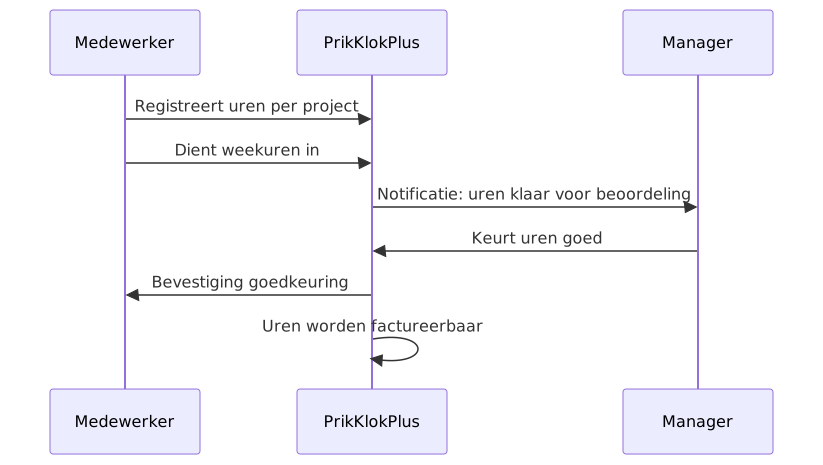
Agree that employees submit their hours weekly. Managers approve them every Monday for the previous week. This prevents a backlog at the end of the month.
Step 3: Link hours directly to invoicing
In PrikKlokPlus, approved hours automatically become billable. Link projects to CRM relations and generate invoices directly from the time records.